For the complete documentation index, see llms.txt. This page is also available as Markdown.

Weekly BioBlitz Challenge

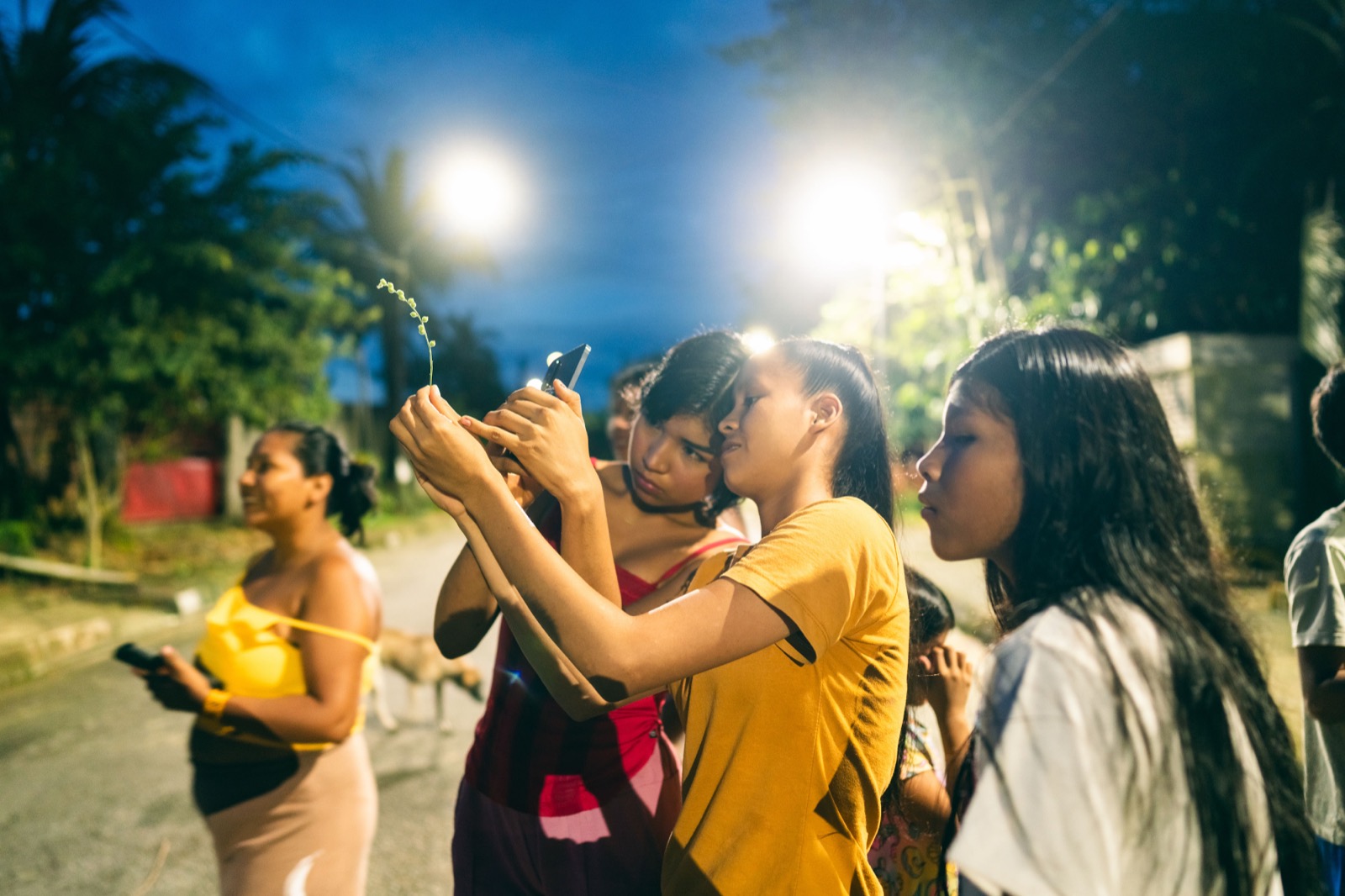
Community members outdoors during a BioBlitz activity
BioBlitz activities help communities notice, photograph, and document biodiversity around them.

Join the challenge

Register so your entries can be tracked for the round and prizes.

Join the BioBlitz

You do not need a Project page to join. You can start by entering the BioBlitz and uploading observations. Later, those observations can be linked to a Project if you create one.

At a glance

🌿 What to do

Go outside and photograph any living thing: plants, animals, fungi, insects, or other biodiversity.

📲 Where to upload

Upload observations on GainForest.app through My Observations or with Tainá.

🏆 Prizes

Each round awards USD 40 for most observations and USD 10 for best biodiversity picture.

📁 Why it matters

Every observation is saved to your account and can later be used as Project evidence.

How it works

  1. Register to take part on the BioBlitz page.

  2. Head outside and photograph living things around you.

  3. Upload your observations through GainForest.app or Tainá.

  4. Check the species name and confirm or correct the AI-assisted suggestion.

  5. Climb the leaderboard as your observations are counted.

Prizes

Each weekly round includes two prize categories:

  • Most observations — USD 40 for the collector with the most valid sightings in the round.

  • Best picture — USD 10 for the most striking biodiversity photo of the week, selected by the team.

Winners can also receive a permanent BioBlitz winner badge on their profile.

Receiving prize funds

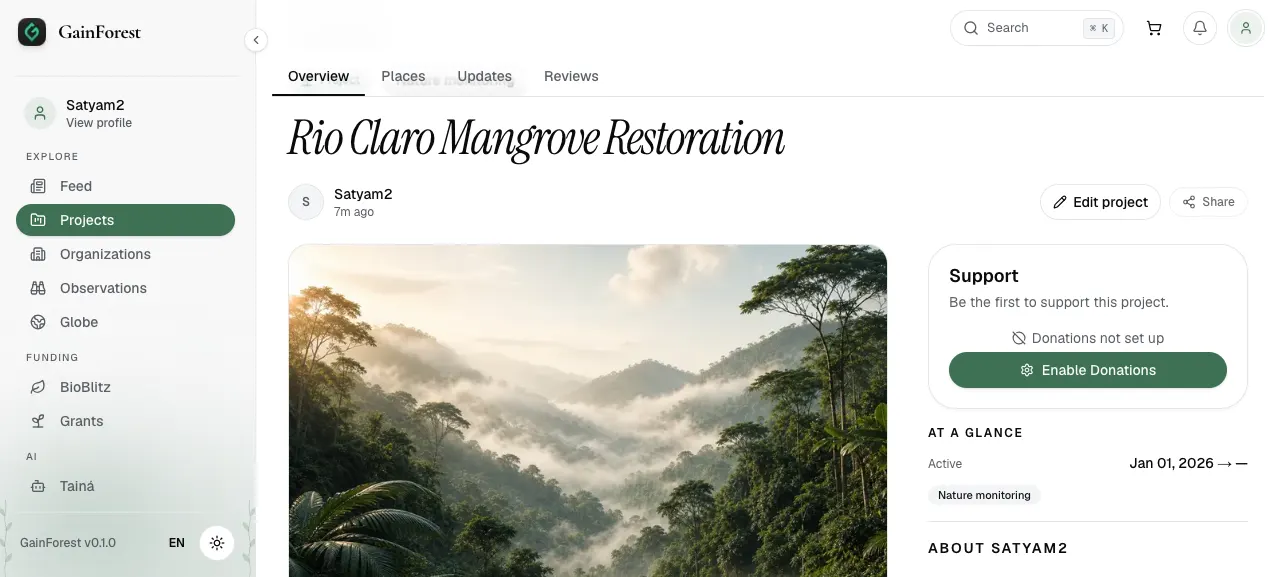
Prize funds will go through your Project page. Make sure your Project page is set up and that you have enabled donations or linked a wallet so funds can be sent correctly.

On your Project page, look for the Support card and click Enable Donations.

Project page support card with Enable Donations button
On the Project page, use the Support card to enable donations.
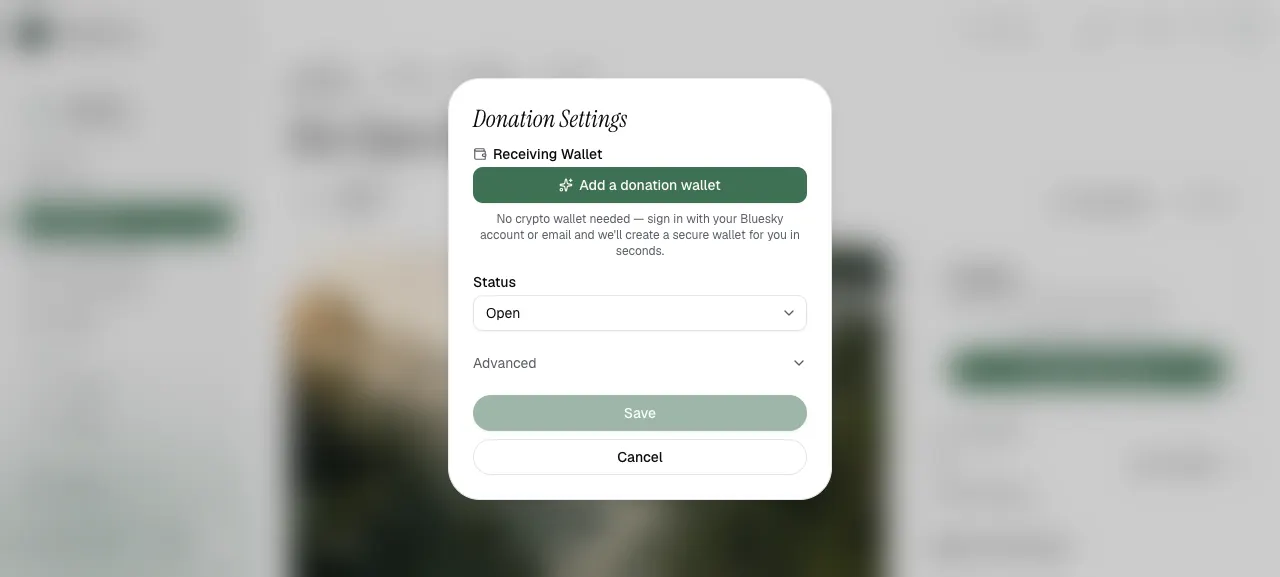
Then add or select a receiving wallet in Donation Settings.

Donation Settings modal with Add a donation wallet button
In Donation Settings, add a donation wallet or choose an existing receiving wallet.

The prize is currently handled using crypto payments, which can be off-ramped depending on the wallet, exchange, and local options available to you.

Suggested wallets:

Using Tainá for observations

Tainá is available for biodiversity observations and can support AI-assisted species identification. It can be useful for people who are learning how to document nature or want support turning photos and field notes into observations.

Tainá runs through Telegram. Because it uses Telegram bots, we can currently support around 20 Tainá users. This makes it a great educational and interactive activity for BioBlitz sessions, youth learning, and community biodiversity walks.

AI suggestions should still be checked. Local knowledge and expert review remain important.

Learning Tool: TaináWhat is a Project?

Your data does more than win prizes

Every observation you submit is saved to your account. This means your BioBlitz activity can become useful evidence later.

You can use observations to:

  • support a Bumicerts Project

  • report back to grant givers

  • show partners and stakeholders what you are documenting

  • build a record of biodiversity in your area over time

No extra work is needed. Keep observing, and your evidence grows over time.

Location and safety

Some photos may include location data. This can be useful for biodiversity records, but exact locations are not always safe to share.

You may want to obscure location if:

  • the species is rare or sensitive

  • the sighting is near a private home

  • the location could expose a vulnerable habitat

  • sharing the exact place could create risk for people or wildlife

Questions and community

The BioBlitz page includes links for office hours and the community chat.

Uploading EvidenceLearning Tool: Tainá

Last updated