For the complete documentation index, see llms.txt. This page is also available as Markdown.

What is a Project?

Explore Projects

A Project can represent work such as forest restoration, biodiversity monitoring, rewilding, conservation data collection, acoustic monitoring, community stewardship, or another nature-based effort.

What a Project does

📖 Tells your story

Explain who you are, what you are doing, where the work happens, and why it matters.

🔎 Holds your evidence

Link observations, sounds, tree data, files, reports, and external links that support your work.

📣 Builds visibility

Share your Project with funders, partners, reviewers, community members, and other supporters.

📊 Supports reporting

Use your Project as a record for stewardship, impact reporting, grants, and funding conversations.

What a Project can include

A Project can bring together:

  • the story and purpose of the work

  • who is leading or contributing to it

  • where the work is happening

  • project goals and updates

  • biodiversity observations

  • photos and field notes

  • bioacoustic recordings

  • tree data

  • drone imagery

  • files, reports, dashboards, or external evidence links

  • other evidence reviewed or supported by the GainForest team

Creating a Project

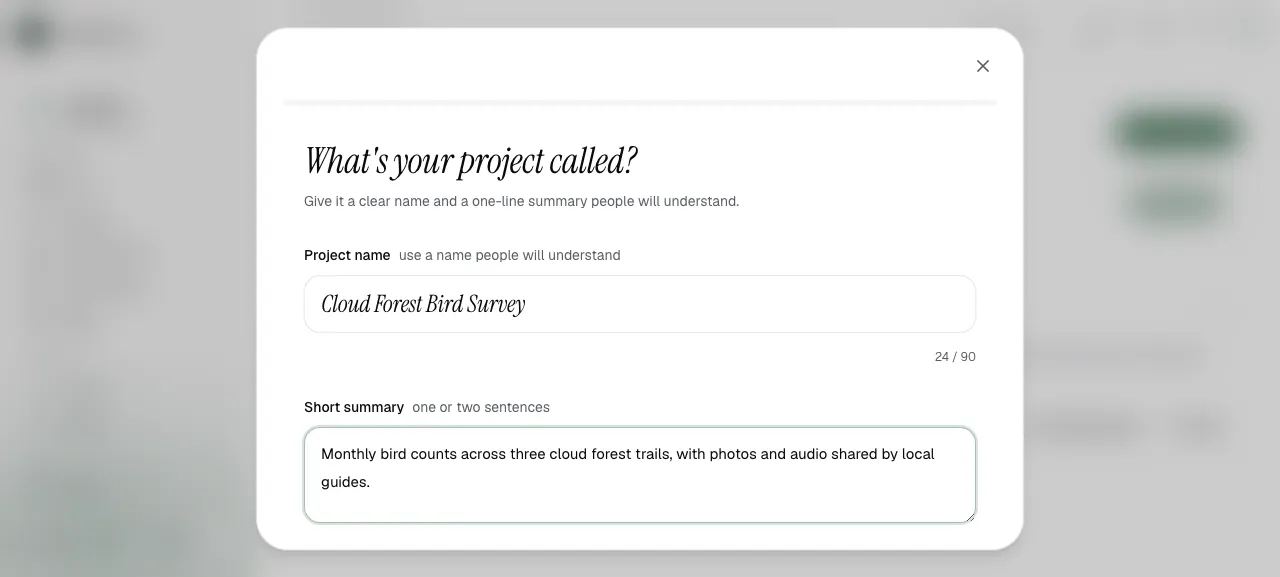
When creating a Project, start with a clear name and a short summary that people can understand quickly.

Project creation screen for name and short summary
Use a clear Project name and a short summary.
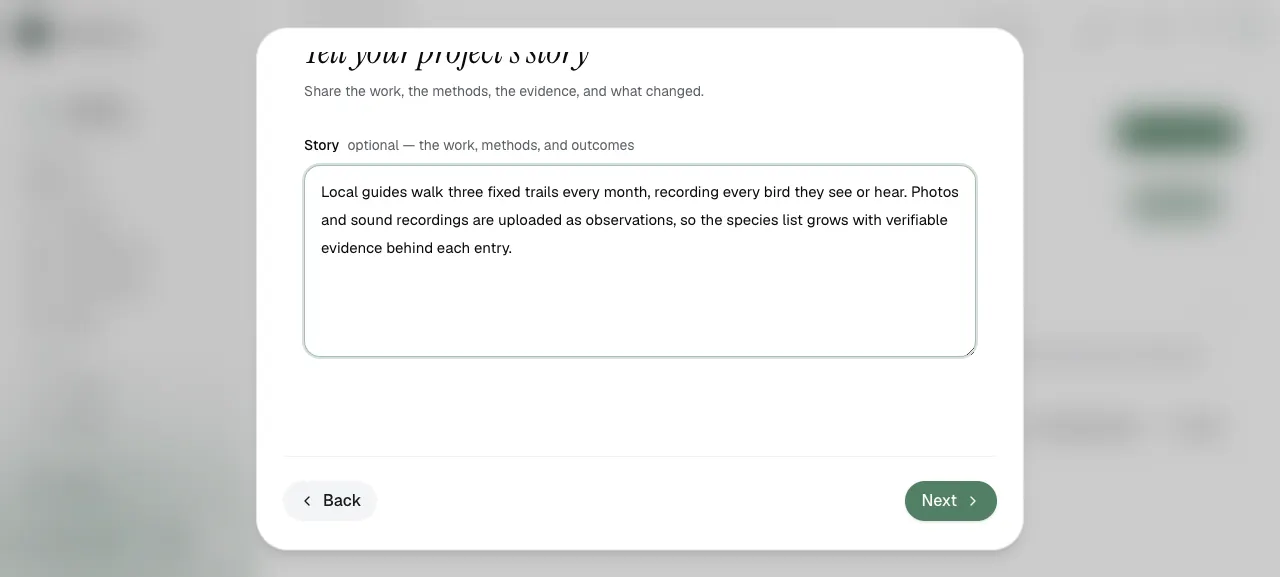
Then explain the Project story: what work is being done, what methods are used, what evidence exists, and what is changing over time.

Project creation screen for project story
The Project story helps people understand the work, methods, and evidence.
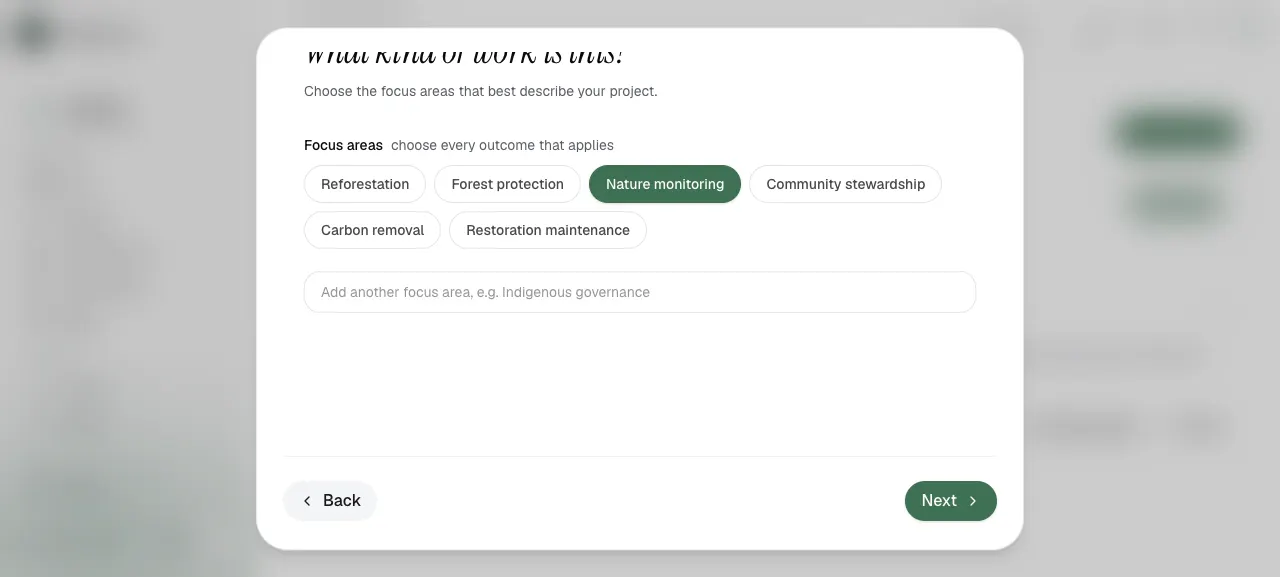
You can also choose focus areas that describe the type of work, such as nature monitoring, reforestation, forest protection, or community stewardship.

Project creation screen for focus areas
Focus areas help people understand what kind of work the Project represents.
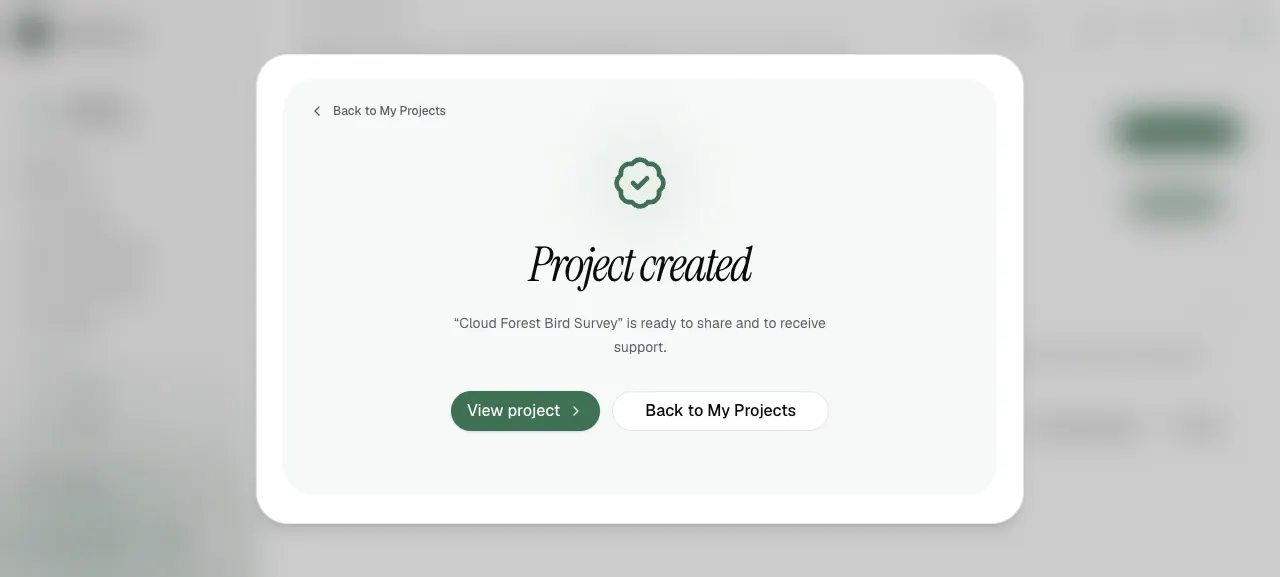
When the Project is created, it becomes ready to share and receive support.

Project created confirmation screen
Once created, your Project can be shared and updated with evidence.

Projects and evidence

Data uploads can be linked to a Project as supporting evidence. This helps others understand what happened, when it happened, where it happened, and what data supports the Project’s story.

For example, a Project might include:

  • biodiversity observations from a weekly BioBlitz

  • bioacoustic recordings from an AudioMoth deployment

  • tree data showing planted, regenerated, or existing trees

  • drone imagery reviewed through the batch upload process

  • files, reports, dashboards, or external evidence links

Why Projects matter

Projects make environmental work easier to:

  • explain to new audiences

  • organize over time

  • connect with evidence

  • report impact

  • gain visibility

  • attract funding and partnerships

  • use in opportunities such as grants or challenges

Next steps

Uploading EvidenceLinking Evidence to ProjectsOpportunities

Last updated